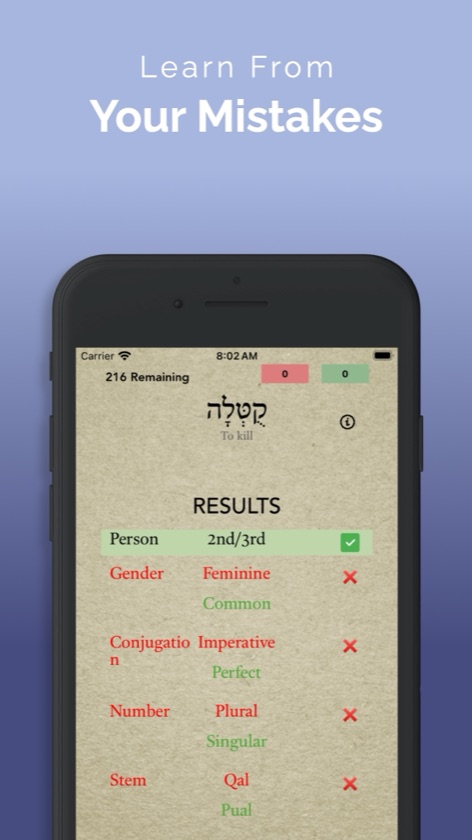
Hebrew verbs reward patience. A form like וַיִּשְׁמְרוּ carries a stem, a conjugation, a person, a gender and a number, and learning to see them all takes many repetitions. ParseHebrew gives you those repetitions with real forms from the Hebrew Bible. You work through each word the way you would on a quiz: stem, conjugation, person, gender and number for a verb, or gender, number and state for a noun or adjective. Then you type the lexical form on a built-in Hebrew keyboard, and the app shows which parts you got right and what the full parsing should be.
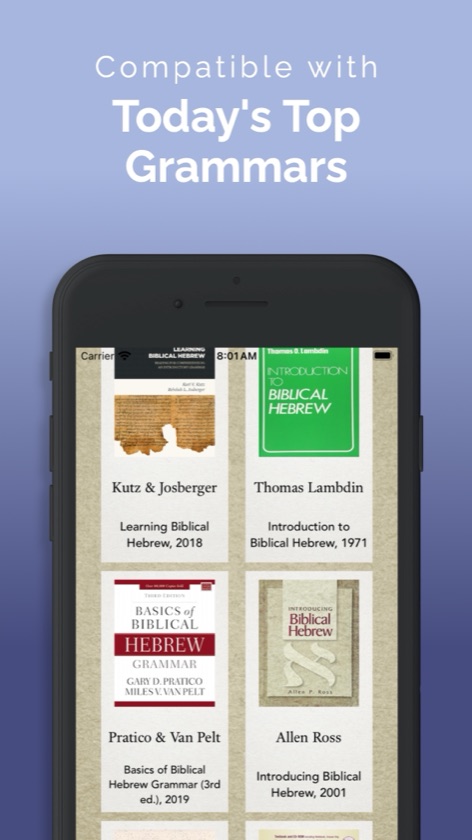
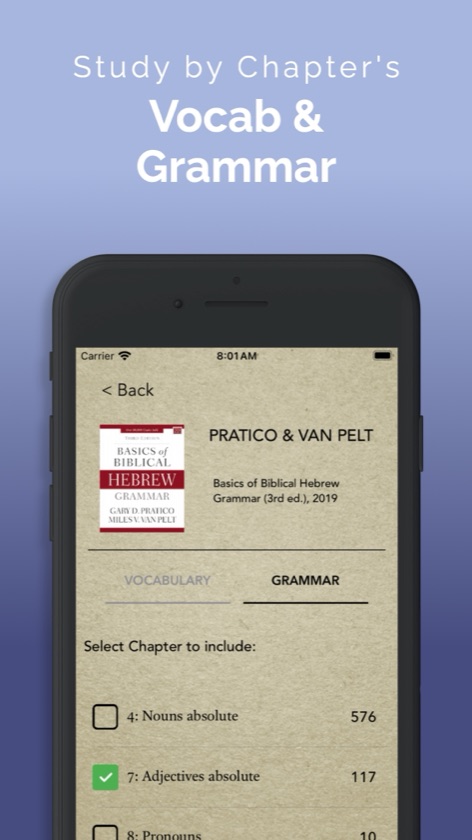
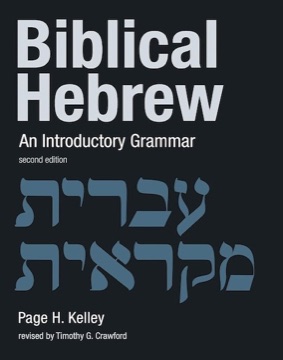
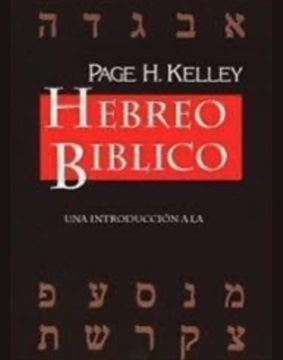
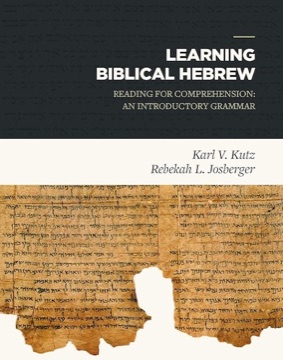
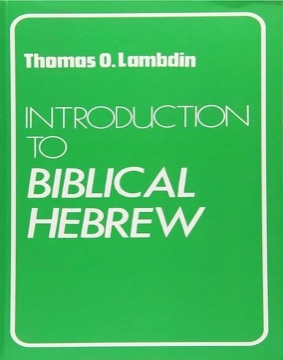
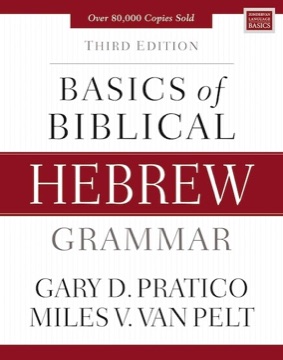
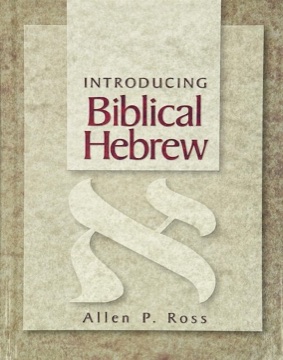
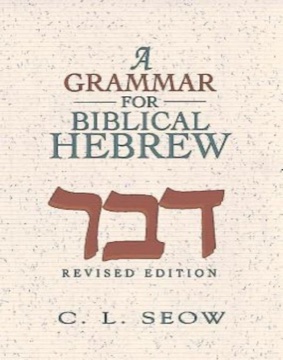
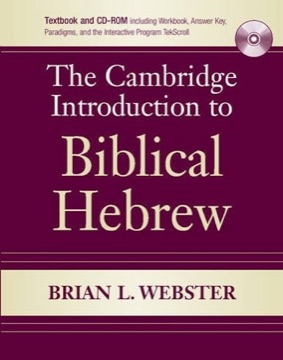
Quizzes follow your grammar. Choose the chapters whose vocabulary you know and the chapters whose grammar you’ve covered, and you get only the forms you can be expected to parse. If you’ve learned the vocabulary in Pratico and Van Pelt chapters 3 to 10 and have just met the construct state in chapter 10, you can drill exactly that. Eleven introductory grammars are supported, and on a device set to Spanish, Kelley & Baer’s Spanish edition of Kelley joins them.
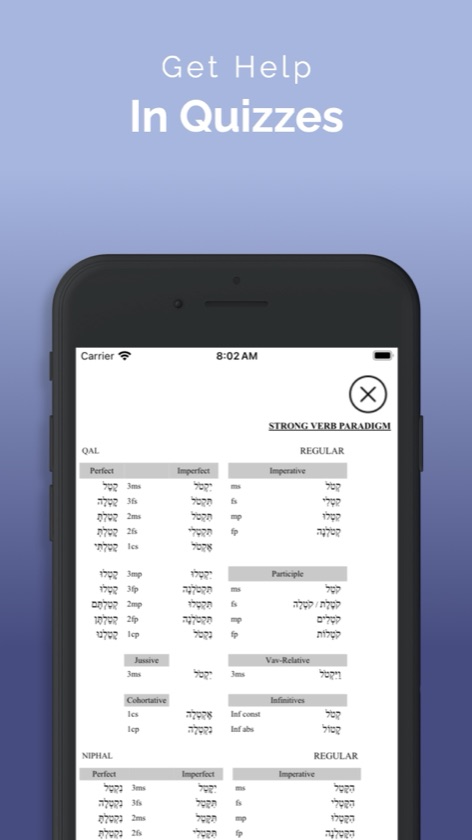
Later on, quiz yourself by frequency, or by sets like hollow verbs, geminate verbs, segolate nouns, the minor stems and the full strong-verb paradigm of קָטַל. Narrow any quiz by stem or conjugation, open Charts or Word info when you need them, and use 50:50 when a form has you stuck. Missed forms come back until you get them, and at the end you can study just the ones you missed.
What you can do
- Parse more than 12,000 forms from the Hebrew Bible: verbs, nouns, adjectives, pronouns and numerals.
- Build quizzes from the vocabulary and grammar chapters of 11 introductory Hebrew grammars, plus Kelley & Baer's Spanish edition when your device is set to Spanish.
- Quiz by frequency, or by eight sets: numerals, pronouns, the strong verb paradigm, minor stems, segolate nouns, hollow verbs, geminate verbs and the paradigm of הָיָה.
- Narrow a quiz by word type, stem and conjugation, such as Hifil waw consecutive.
- Parse stem, conjugation, person, gender, number and state one decision at a time, and see every part marked right or wrong, with the correct parsing beside it.
- Type the lexical form on a built-in Hebrew keyboard: consonants only, with final forms added for you.
- Get help mid-quiz with Word info (hints, part of speech, frequency and other spellings), Charts of the קָטַל paradigm for the seven major stems, and a 50:50 that strikes out wrong choices.
- Missed forms always come back. Choose how many times each form must be answered correctly, and skip the forms you already know.
- Finish a quiz with Study missed forms, start your last three quizzes again from Study again, and star your textbook so it stays at the top.
- On iPad, use a two-column layout with Charts beside the quiz in landscape, and keyboard shortcuts.
- Study offline, with no account and no ads.